
You can delete a team by navigating to Team Manage >> Manage My Teams and clicking on the "Delete Team" link on the lower right-hand side of the page.
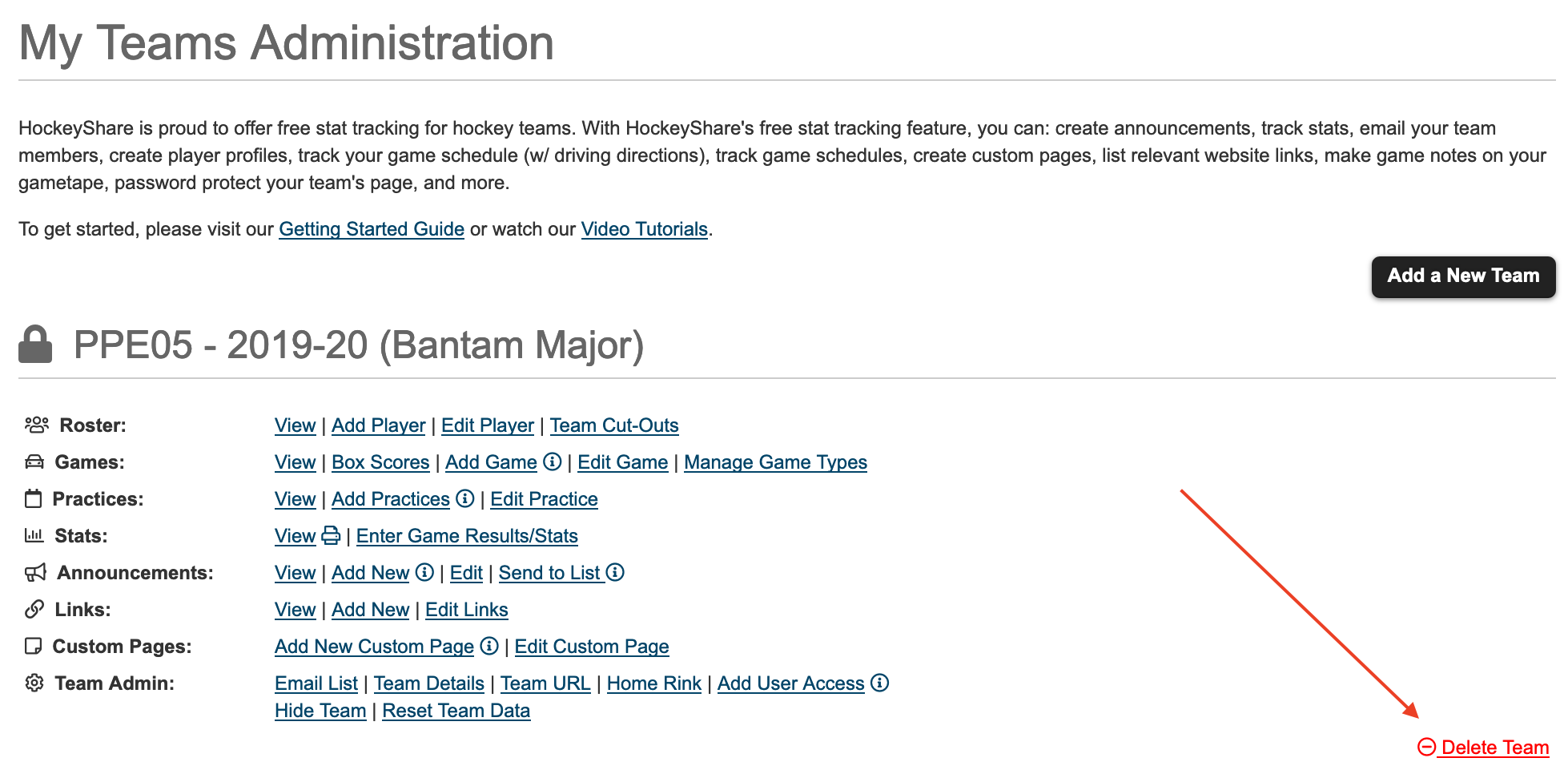
You can delete a team by navigating to Team Manage >> Manage My Teams and clicking on the "Delete Team" link on the lower right-hand side of the page.
Was this article helpful?
What could we improve?
Thanks for your feedback!
Your input helps us improve our documentation.