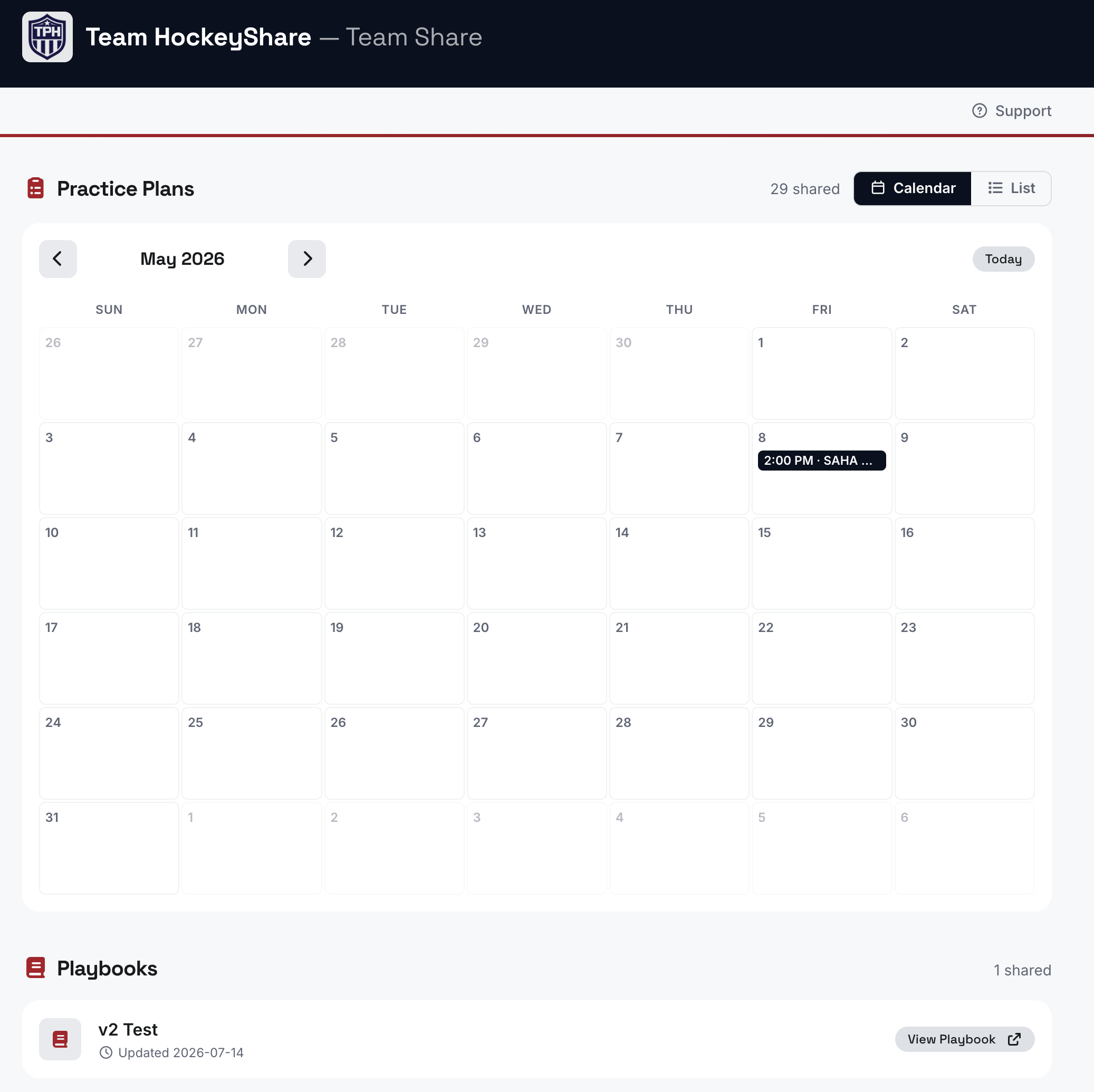
The "Team Share" feature is available to our Premium and Association members. Team Share is a convenient way to share select content with your team without exposing your entire drill/practice database or having to email individual drills/practices. Each HockeyShare user gets their own unique Team Share URL that can be shared with whomever they choose. Content shared to your Team Share page is read-only and is intended for sharing with players or coaches. Team Share pages can be password protected.
Set Up Team Sharing
To get started with Team Sharing go to My Account and select Team Sharing from the left-hand navigation. If Team Sharing is not enabled, follow the steps outlined on the page to create your Team Sharing link.
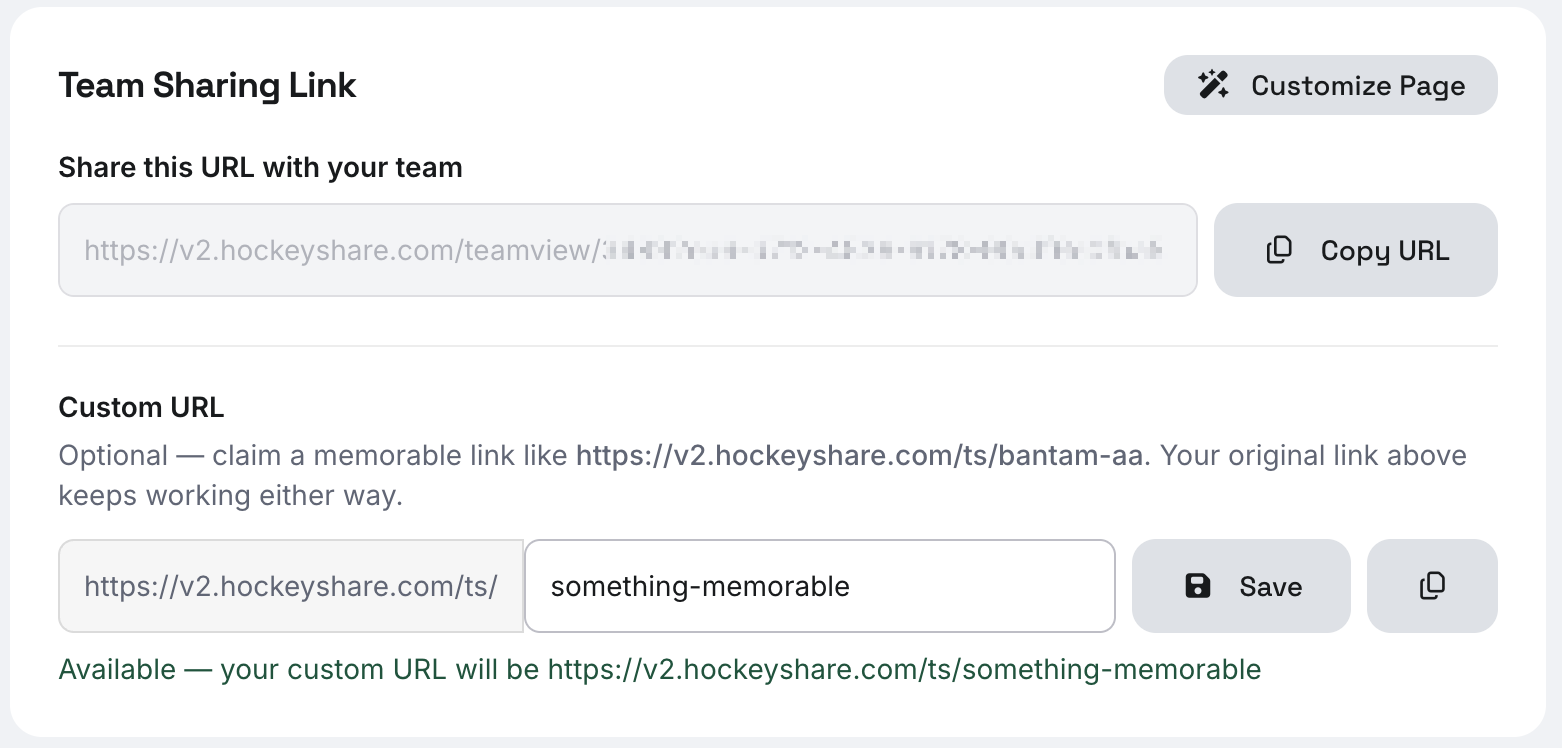
Team Sharing Link
With the Team Sharing feature enabled, you will now see your default team sharing URL along with options to create a custom URL. The default URL is one that's difficult to guess - but it can be difficult to remember. Use the Custom URL option to create something that's more memorable. These are the links you can send to your players. Shared content will be added to these pages (more information below).
Access Options
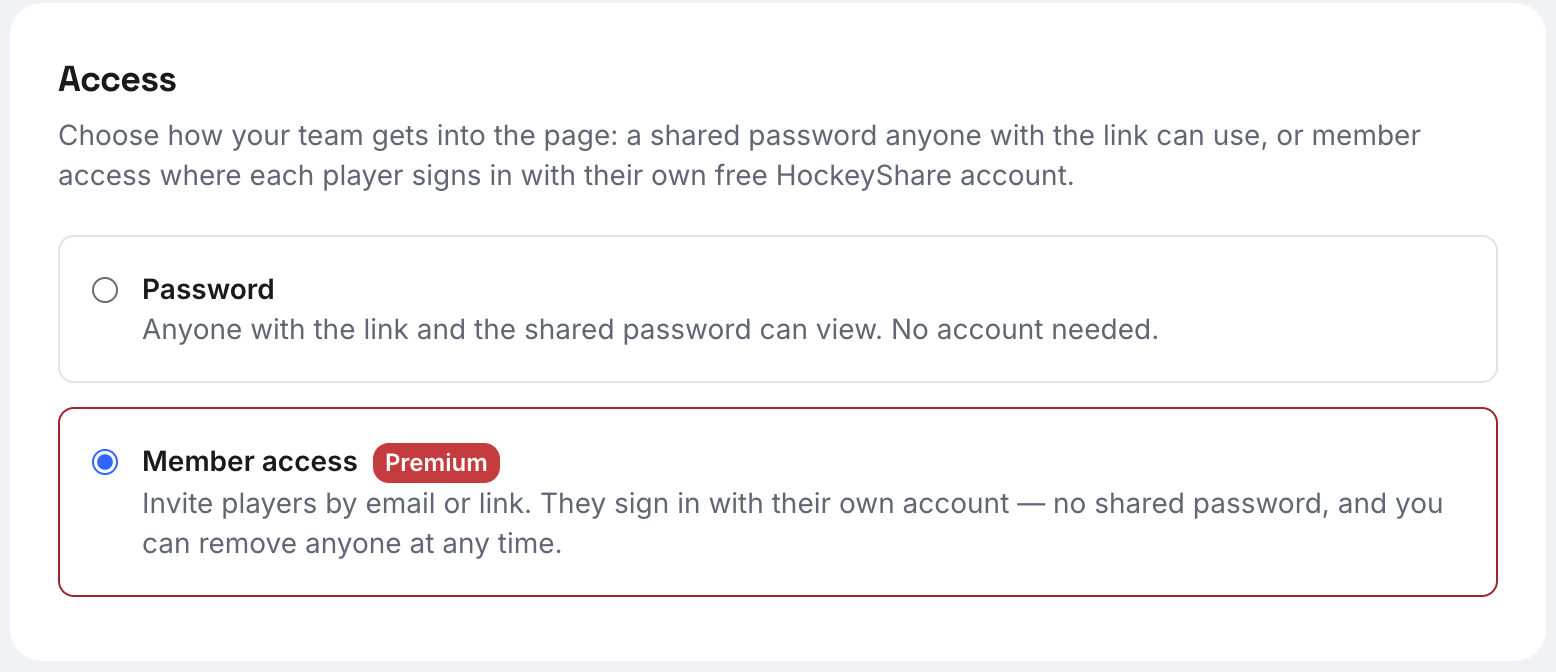
To protect the content you share, we offer two access restriction options:
- Password - this is a simple password to access the content - when selecting this option, do NOT use your account password as you'll need to provide this to your team for access.
- Member access - this option allows users you invite to create a (free) HockeyShare account and have your team saved directly to their account - this removes requirement of entering a password each time they view the team page.
Member Access Options
If you have selected the Member access option, you have two ways to invite players to your team page.
- Invite Your Team - you can enter in emails and our system will send invite links out directly to the addresses you entered.
- Invite Link - copy the link and send it out to your team however is most convenient (group chat, email message, text, etc). Note that anyone with the link will be able to join. For security, we offer the ability to regenerate the link, which immediately invalidates any previous invite links that may have been distributed.
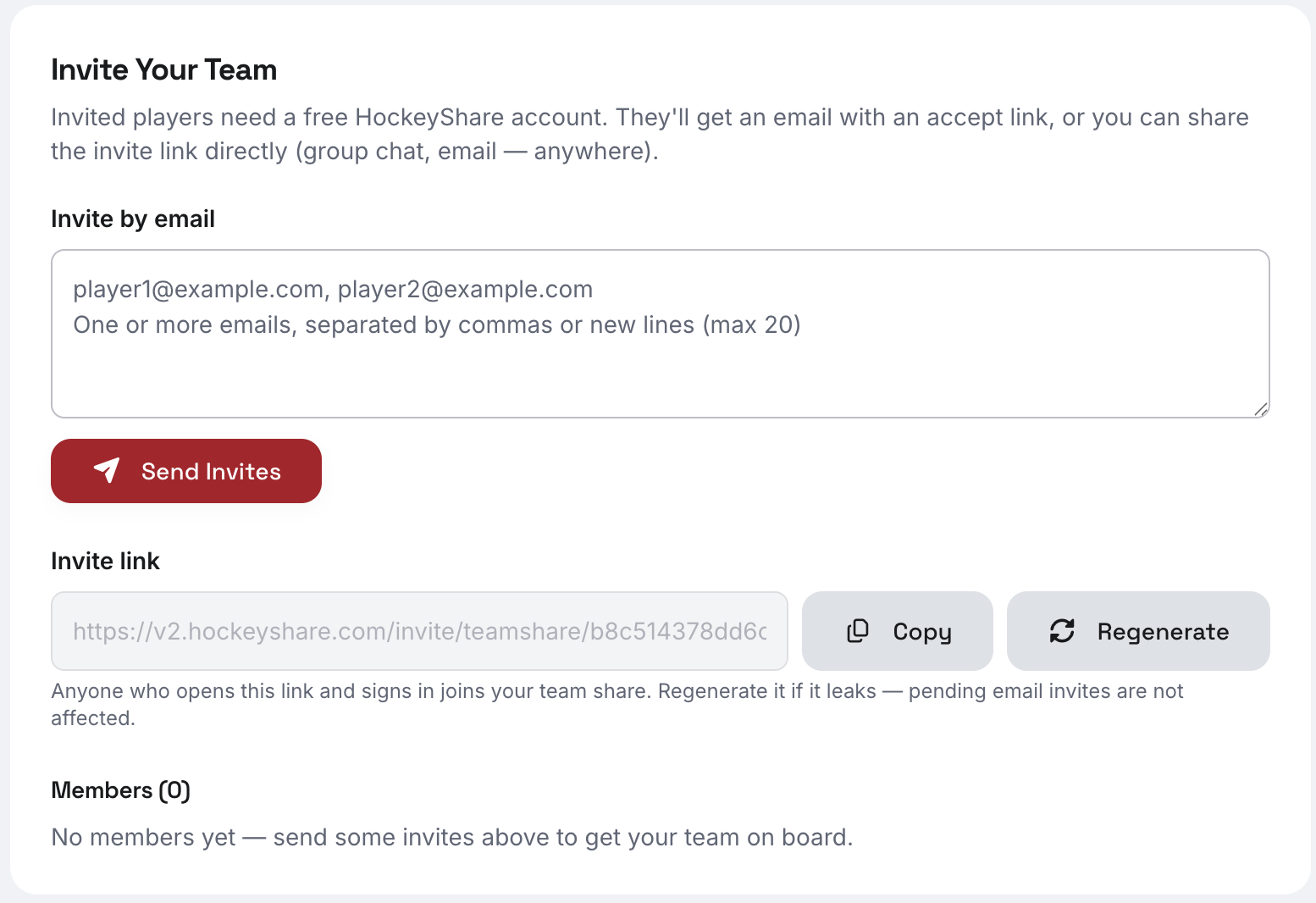
Once members have joined your Team Sharing page, you can remove access at any time by clicking the Remove button next to each member.

Customizing Your Team Sharing Page
To make changes to the layout of your Team Sharing page, click the Customize button on the top-right of the page. From this page, you'll be able to make the following changes:
- Add a custom logo
- Change the order of the content display
- Add custom content (headings, text, collections, etc.)
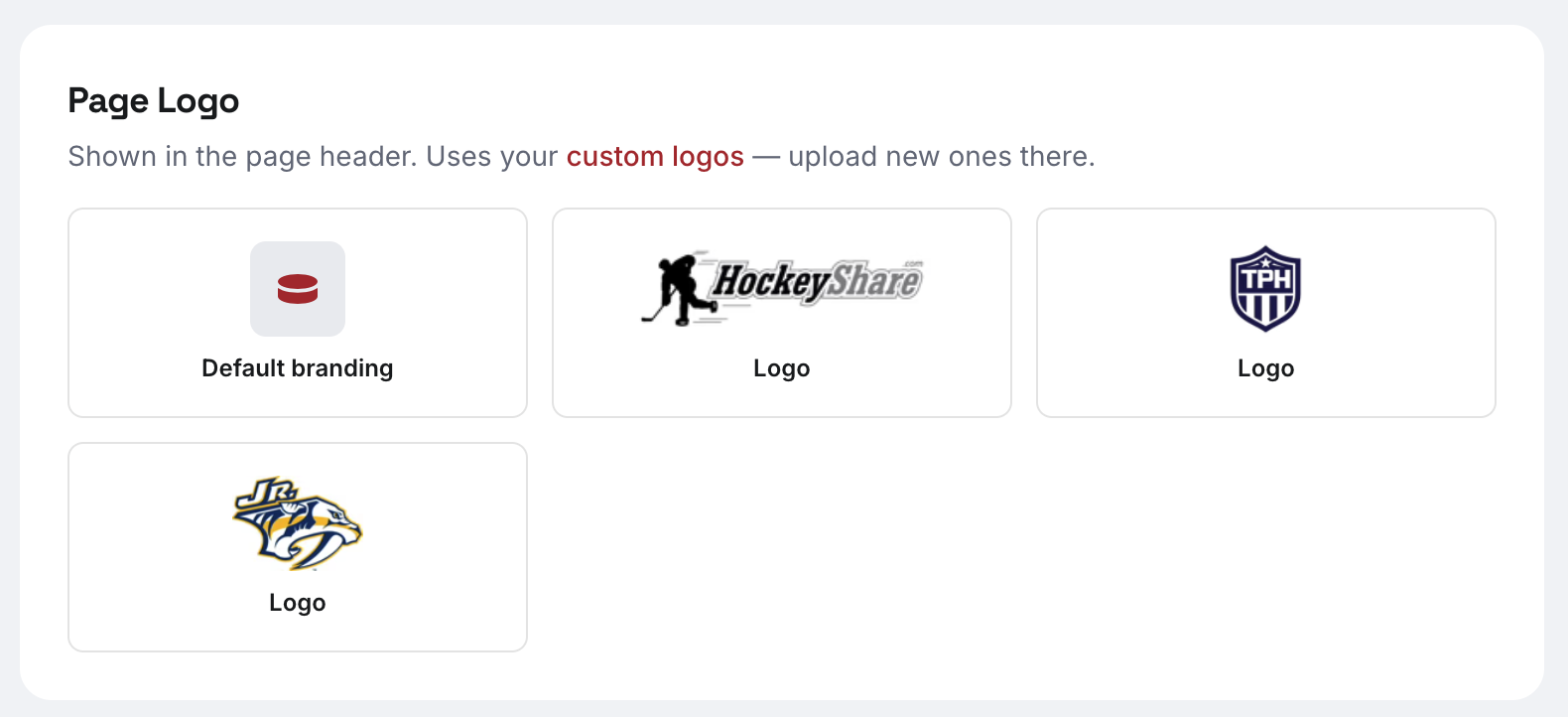
The custom logos you have uploaded to your account will display in the top - simply click on one of the logos to display it at the top of your Team Sharing page.
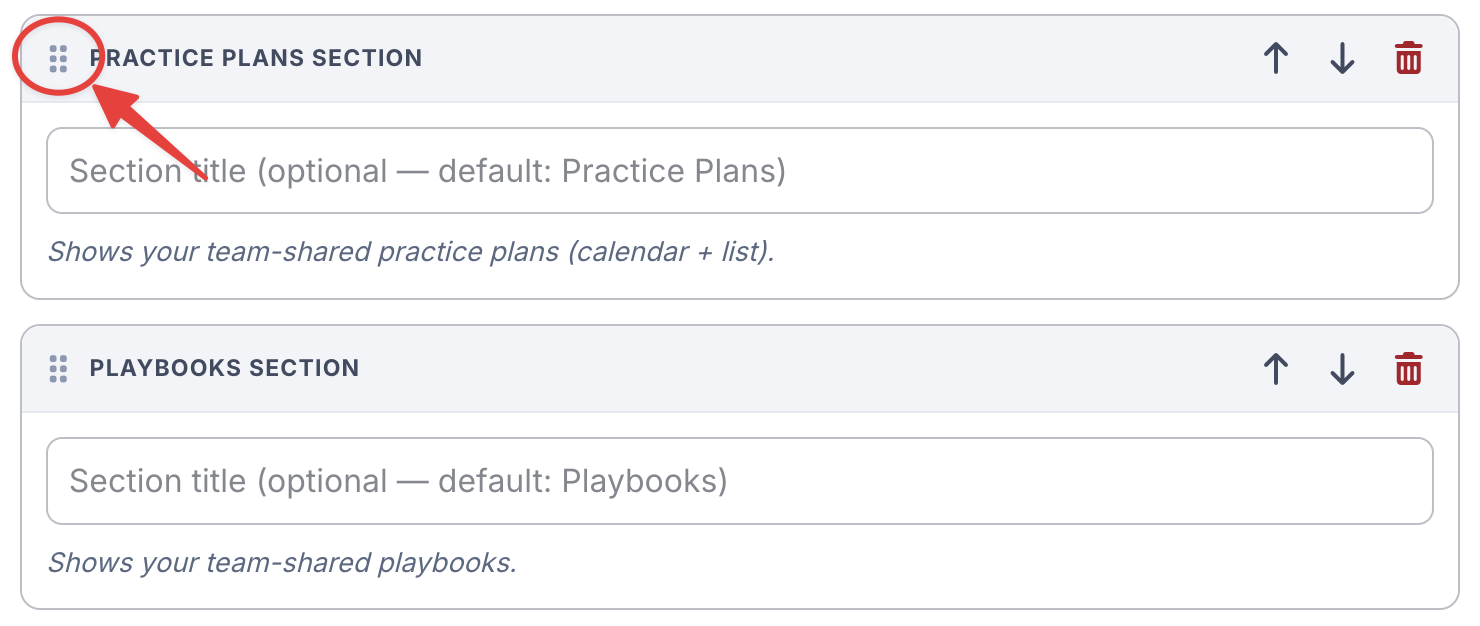
To change the order of the content, simply drag-and-drop the content sections into the order your prefer.
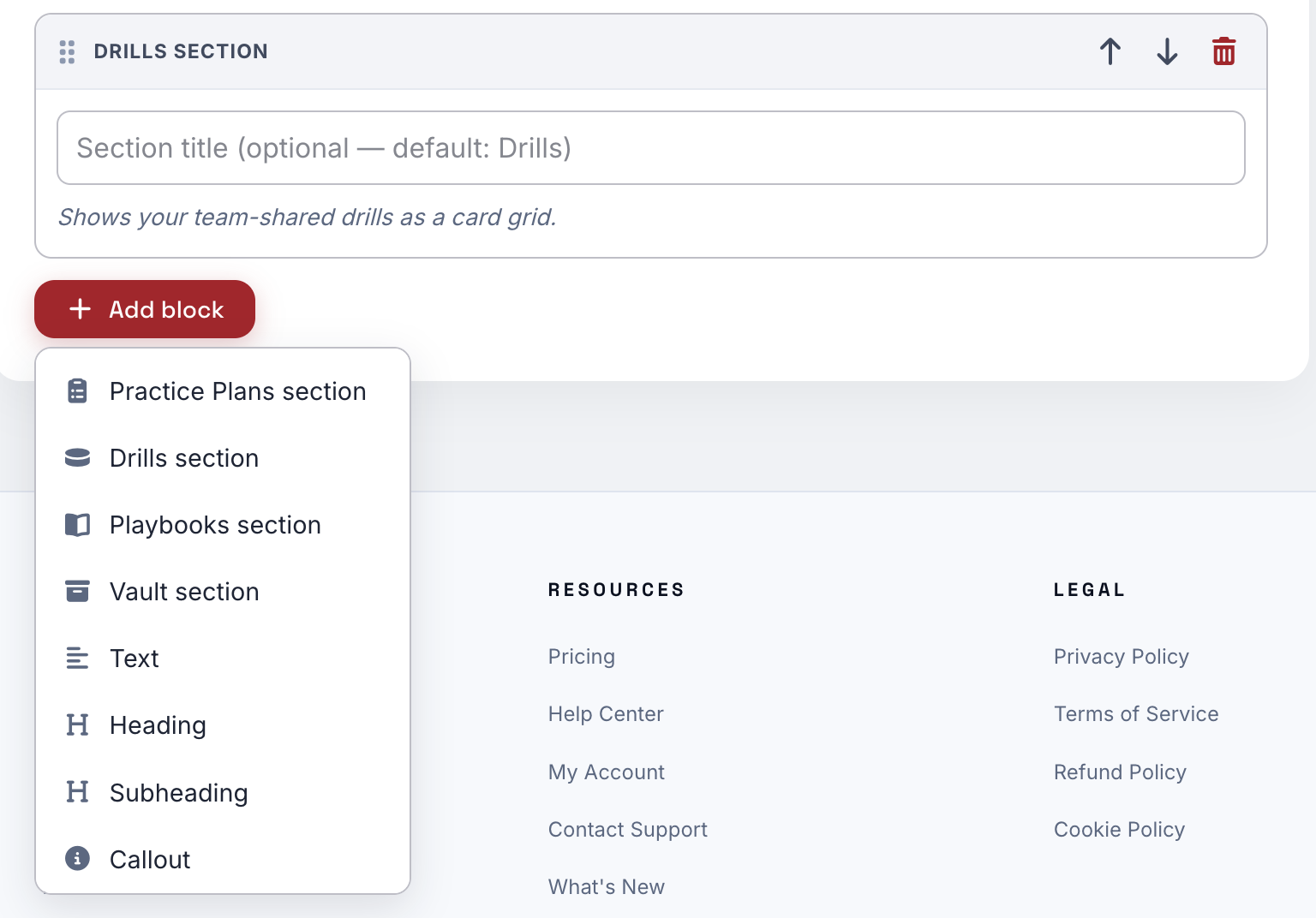
To add custom content to the page, click on the Add Block button at the bottom of the page and select the content type you would like to add to the page.
Click the Save button at the top of the page to save your edits. You now have a professional way to share your content with your team.